

External CD DVD Drive USB 3.0 Type-C CD Burner CD/DVD +/-RW Optical Drive, Slim Portable DVD Player Reader Writer Recorder for Desktop PC Windows 11/10/8/7 MacBook Mac Linux Mac OS
Product details
| Management number | 239807072 | Release Date | 2026/07/14 | List Price | US$10.80 | Model Number | 239807072 | ||
|---|---|---|---|---|---|---|---|---|---|
| Category | |||||||||
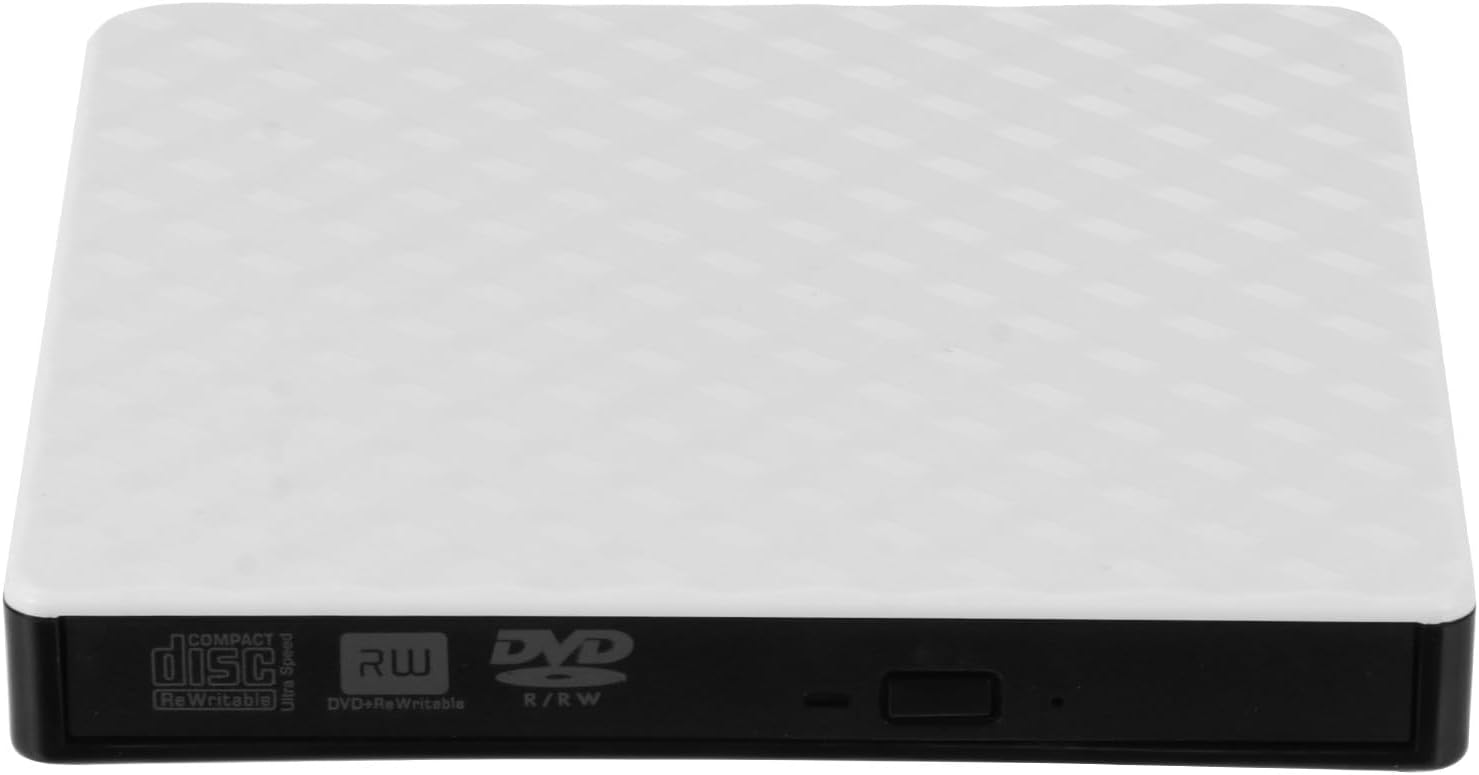
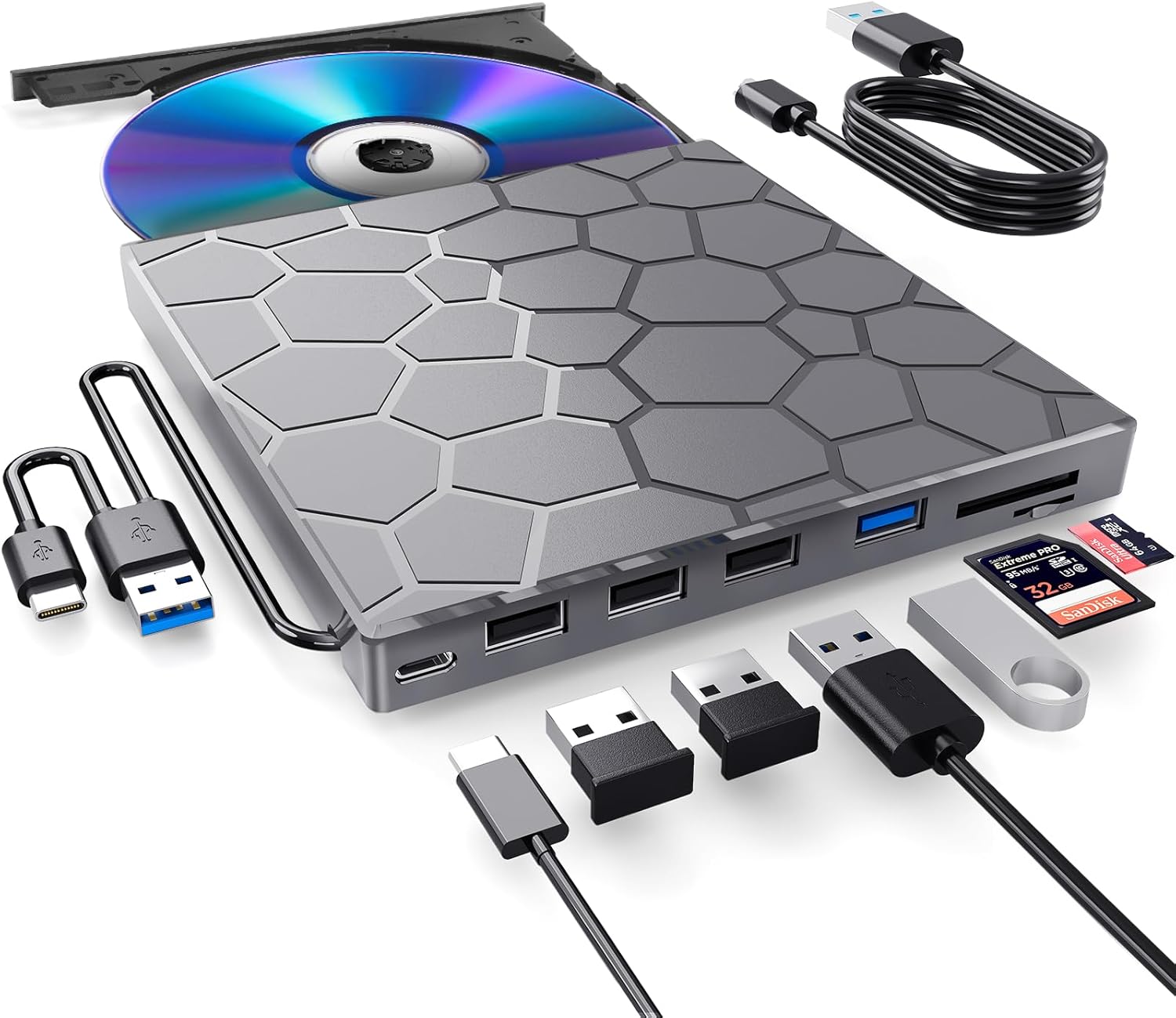
ETFJZZ External CD Drive for LaptopThis multi-function 2 in 1 USB A/USB C CD burner for laptop that we launched is not only a CD/DVD reader, but also it has the function of CD/DVD burner. This external CD & DVD drives can only start its job after it is connected to a laptop or a desktop, so it is not compatible with TVs, cars, trucks, projectors, tablets, iPads, phones, PS4/5, Xbox, Nintendo Switch, etc. In addition, it is compatible with Windows11/10/8/7/XP/Vista, Mac OS and Linux. Not compatible with Chrome OS and Blu-ray disc.Product Specification Model: GZ100Color: YellowPower Supply: DC 5V/2ATransport Interface: Built-in 2 in 1 USB 3.0 Type-A & Type-C data cable (on the back of the CD/DVD drive) Supported Disc Types: CD-ROM, CD-R, CD±RW, DVD-ROM, DVD-RAM, DVD±R, DVD±RW, DVD±R DL, VCD and SVCDCompatible Operating System: Windows 11/10/8/7/XP, Windows Vista7/8, Mac OS, Linux Compatible Devices: MacBook, Mac, iMac, laptop, desktop, PC and notebook computers (including Apple MacBook, MacBook Air, MacBook Pro, iMac, Mac, Mac mini, Mac Studio, Mac Pro)Computer Output for CD/DVD Drive: 3-5V / 1.3-2A, power below this may cause recognition failure or read failure. At this time, you need to use the supplementary power supply cable to connect a 5V charger/power bank supply to supplement the power supply to the optical drive.Package IncludedExternal CD/DVD Drive * 1User Manual * 1Some things to note about this CD reader for laptop1.The CD reader should be connected with USB port on laptop rather than connect with USB HUB. In addition, please connect the item with USB port behind of computer host if you use a desktop.2.Make sure the CD/DVD driver of your computer is intact before using an external DVD player for laptop. The computer operating system comes with a CD/DVD driver. If the program is damaged or removed, the CD/DVD driver needs to be updated or reinstalled.3.Setting the DVD Region to United States on the "DVD RW Drive" - Properties - click Hardware Tab - click Properties button - then choose country Region (US is 1) and click OK to apply. Note: You are only allowed to change the region code 4-5 times.4.It's better to use the 5V charger/power bank to increase the power if your devices don't have enough power to support the CD drive external USB.5.Insert the USB CD/DVD external drive into the computer. After the Windows system recognizes the optical drive, the "DVD RW Drive" icon will be displayed. The Mac OS computer will not display the device icon until the disc is placed in the optical drive and the disc is read successfully.7.WINDOWS 11 needs a media player (such as VLC ) and a network connection.8.Computers often do not natively support DVD movie playing, so a third-party media player (such as VLC) must be downloaded and installed to watch DVDs using this CD/DVD player. You can download and install a playing/burning software you like. You can also refer to the following software:DVD player software: Any Media Player, Any DVDBurning software for Windows operating systems: InfraRecorder, Ones, Express Disc BurnerBurning software for Mac OS: Burn for macBurning software for Linux OS/Unix OS: K3b (KDE Burn Baby Burn)9.Because the video formats of most computers and mobile phones are not compatible with DVD, you need third-party software to convert the file format to a format that can be displayed on the disc, otherwise, even if you burn the file to a disc, it will not work.10.The Mac OS system comes with a burning function:Connect the optical drive and put the disc into it - click "File" on the top menu bar - click on the new "Burn Folder" - drag the files to be burned into the "Burn Folder" - click "Burn to Disc" - and then You can eject the disc. But one thing to note is that Mac OS computers can only burn blank discs, and a disc can only be burned once.11.For the Mac OS, you need to eject the disc through the Mac OS command. At this time, pressing the eject key of the external DVD drive for PC will not work.
- 【PLUG & PLAY – EASY CONNECTION】 Simply connect theETFJZZ External DVD Drive to your computer’s USB or Type-C port, and it will usually be detected right away without the need for extra drivers. For stable operation and sufficient power, we recommend connecting it directly to a USB port on your computer (for desktops, use a rear motherboard port) and avoiding USB hubs or extension cables. This user-friendly design ensures quick setup for both beginners and professionals
- 【FAST & STABLE DATA TRANSMISSION】 Featuring dual interfaces (USB 3.0 and Type-C), this optical drive supports data transfer speeds up to 5Gbps. To ensure a reliable connection, please connect it directly to your computer. The drive supports multiple disc formats such as DVD+R, DVD-R, CD-R, and CD-RW. Please note: It does NOT support Blu-ray (BD) discs, or certain proprietary formats. Maximum DVD read speed is 8x, and maximum CD read/write speed is 24x
- 【UNIVERSAL COMPATIBILITY】 Compatible with Windows 11 / 10 / 8.1 / 7, Linux, and all macOS (Intel & Apple Silicon) for MacBook Air/Pro, iMac, Mac mini; NOT for iPad/iPhone/Apple TV/ChromeOS; for Mac, insert disc FIRST, connect directly to USB port (use a POWERED USB‑C hub for M1/M2/M3 to avoid insufficient power), and open media with VLC Player (Apple DVD Player not supported). Works with most computers from brands like Apple, Dell, HP, Lenovo, ASUS, Acer, and Samsung. 👉 Important: Designed specifically for computers. It is NOT compatible with TVs, tablets, game consoles (e.g., PlayStation, Xbox), car stereos, or standalone Blu-ray players
- 【SLIM & PORTABLE DESIGN – BUILT-IN CABLE, READY TO GO】With an integrated cable design, slim body, this lightweight CD/DVD drive is both durable and portable. Easily slip it into your laptop bag or backpack and use it anytime, anywhere—perfect for business, travel, or home use
- 【MULTIFUNCTIONAL & RELIABLE OPERATION】 Equipped with intelligent error correction and anti-shock technology, this drive supports reading, writing, and burning discs. If the drive is not recognized or a disc cannot be read, try restarting your computer or testing with a different, standard CD-R or DVD-R disc. The pop-up button and built-in cable design offer convenience and portability. For desktop PCs, connecting to a rear USB port is recommended for optimal power and performance
| ASIN | B0H1X8NV4L |
|---|---|
| Brand | ETFJZZ |
| Color | Yellow |
| Read Speed | 8 x |
| Unit Count | 1.0 Count |
| Form Factor | Slim |
| Item Weight | 290 Grams |
| Media Speed | 24x CD-R, 8x CD-RW, DVD R: up to 8x, DVD R DL: up to 4x, DVD-R 9: up to 2.4x, DVD+RW: up to 4x, DVD-RW: up to 4x, CD-RW: up to 10x, DVD-RAM: up to 3x x |
| Manufacturer | ETFJZZ |
| Model Number | GZ100 |
| BuiltIn Media | DVD Player * 1, User Manual * 1 |
| Operating System | Windows 11, Windows 10, Windows 8.1, Windows 8, Windows 7, Windows XP, Windows Vista, Mac OS, Linux |
| Hardware Platform | Laptop, PC |
| Compatible Devices | Windows 11/10 /8.1/7/XP/Vista, Linux, all version Mac OS system Laptop, Notebook, PC, Desktop Computer |
| Data Transfer Rate | 24 Gigabits Per Second |
| Enclosure Material | Acrylonitrile Butadiene Styrene (ABS) |
| Hardware Interface | USB 3.0, USB 3.0 Type A, USB 3.0 Type C |
| Additional Features | Backward Compatible, Lightscribe, Plug & Play |
| Warranty Description | 2 Year Manufacturer |
| Connectivity Technology | Bluetooth |
| Specific Uses For Product | business, travel, or home use |
| Optical Storage Read Speed | CD: 24x; DVD: 8x |
| Optical Storage Write Speed | CD: 24x; DVD: 8x |


Bestseller ranking
Health Care Issues

Customers who viewed this product also viewed
CD & DVD Drives


Correction of product information
If you notice any omissions or errors in the product information on this page, please use the correction request form below.
Correction Request Form